 OttoNederlands
An audio language course for the car
Listen to a word or phrase, say it out loud in the pause, then hear it in the language you are learning. Learn French, German, Dutch or Spanish, from English or Dutch.
How Otto works in the car
Otto is an audio app, like a podcast you talk back to. You hear a phrase in your own language, Otto leaves a pause for you to say it in the language you learn, and then plays the answer. The next phrase follows by itself. The pause is longer for sentences than for single words.
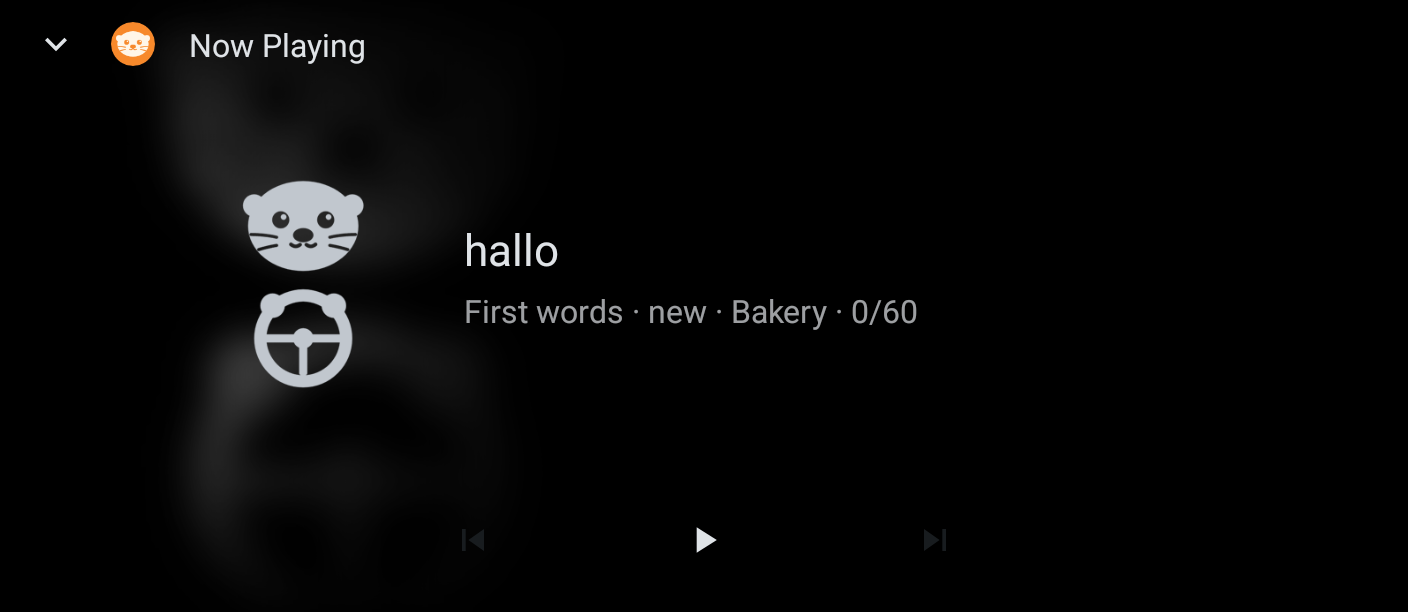
- CarPlay or Android Auto: open Otto on the car screen and choose Continue, Due for review or a topic.
- Any car with Bluetooth: tap Drive on the Learn tab, then use the steering wheel buttons.
- Buttons: Next skips to the next phrase; Previous plays the phrase again.
- Voice: say "Hey Siri, play French on Otto" or "Hey Google, play French on Otto".
- Otto never starts playing by itself when your phone connects to the car.
There is nothing to read or tap while you drive. Start Otto before you leave, and keep your eyes on the road.
Common questions
- Do I need an internet connection?
- No. All audio is on your phone, so Otto works offline.
- Is car mode free?
- Yes. Car mode and every level of the first two topics are free. A subscription unlocks the other topics; it never locks your progress.
- Where is my progress stored?
- Only on your phone. See the privacy policy.
- Can I learn more than one language?
- Yes. Each language keeps its own progress.
Contact
Questions, problems or a phrase that sounds wrong? Email support@ottointhecar.com. We usually reply within a few days.